
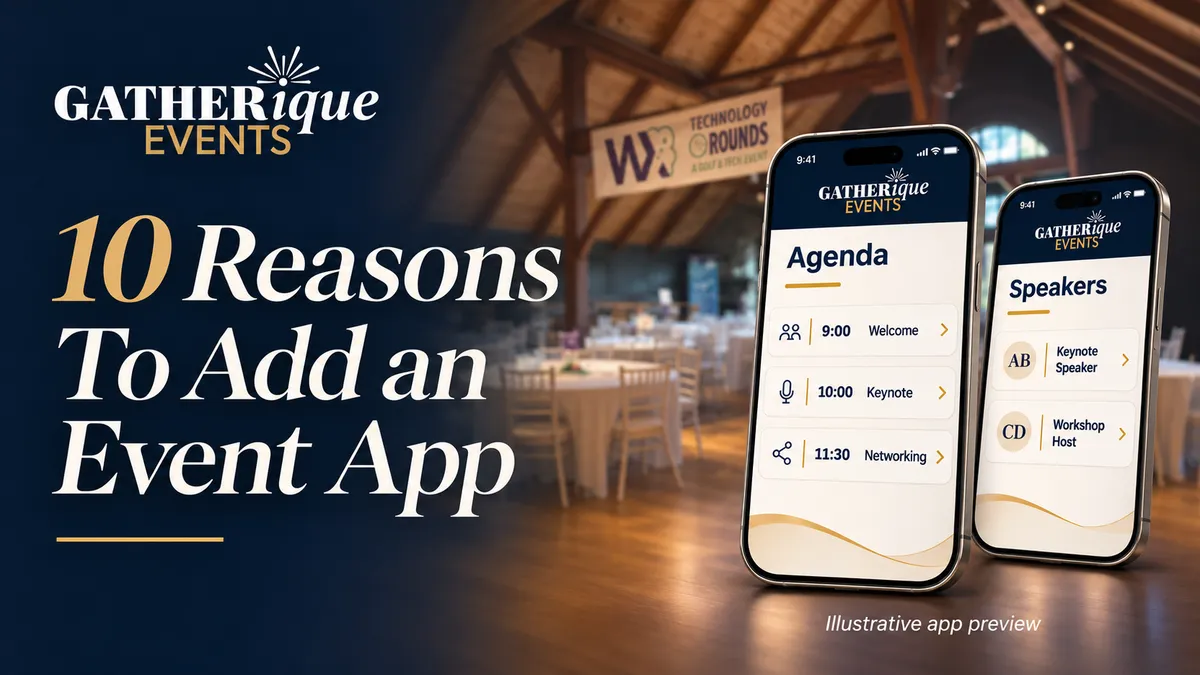
10 Reasons to Use an Event App for Conferences and Corporate Events
The short answer
What is an event app?
An event app gives participants a central place to find schedules, speaker information, sponsor resources, venue details, and announcements on their phones. A well-planned app helps people prepare, navigate the event, and find useful information afterward. Its features should reflect the needs of your specific gathering.
Your guests should remember the conversations, the ideas, and the way your event made them feel. Finding the right room or the latest agenda should be the easy part.
Yet event information often ends up scattered across confirmation emails, printed programs, shared documents, and last-minute messages. A speaker changes rooms. A sponsor sends an updated resource. Someone arrives without the directions they saved a week ago. Each small question interrupts the experience you worked so carefully to create.
A branded mobile event app gives those details a clear home. When comparing event apps for conferences, start with the information your attendees need and the work your team needs help coordinating. For conferences, corporate meetings, leadership retreats, and nonprofit gatherings, it can make the day feel more organized and help participants arrive ready to engage.
At Gatherique Events, we bring event planning and coordination together with technology support from Launch 360. Our event app service is available on its own or alongside a broader planning engagement. Here are ten practical reasons to consider it for your next event.
1. Give attendees one reliable place to find the agenda
A conference agenda should help people decide what to attend and where to go. When several versions circulate, even a carefully planned program can become confusing.
An event app organizes session times, descriptions, and locations in a place participants know to check. Imagine a two-day conference with a morning keynote, afternoon workshops, and an evening gathering. Guests can review the program before arriving and return to it throughout the day.
The planning work still matters: session titles need to be clear, room names need to match the venue, and someone needs to own updates. An app makes that preparation easier to put in attendees' hands. See how Gatherique approaches conference planning as a connected experience.
2. Communicate changes while they still matter
Events are live experiences. A session may start later, a room may change, or transportation details may need an adjustment. A printed program cannot explain a change that happened after it went to press.
An event app provides a central channel for approved announcements. Your communication plan can establish which changes need an update, who approves the message, and where participants should look for it.
For example, a workshop moving from one meeting room to another needs a clear location update, an announcement, and consistent guidance from staff. Push notifications or other delivery methods depend on the app configuration and attendee settings, so they should be confirmed during planning.
3. Help people discover the speakers and sessions that matter to them
A name and a time slot rarely tell the whole story. Speaker profiles and useful session descriptions give attendees a reason to participate and a clearer idea of what they will learn.
For a leadership event, that might mean explaining the challenge a session will address. For an association conference, it could mean identifying the audience a workshop is designed for and the experience the presenter brings.
Collecting this information also creates a useful planning checkpoint. Confirm names, titles, biographies, session assignments, and approved materials before launch. Your speakers receive a more consistent introduction, and your audience can make informed choices about the program.
4. Make sponsor recognition easier to find
Sponsors contribute to the event experience, and their recognition deserves thoughtful placement. A logo on a screen is one touchpoint. A sponsor profile with an approved description and relevant resources gives participants somewhere to learn more.
An event app can bring those materials into the same experience as the agenda and event information. A community partner at a nonprofit gathering, for example, could explain its role and share a useful resource with attendees.
Start with the sponsorship commitments already made. Confirm what will appear, who supplies it, and when it needs approval. This makes digital recognition part of the plan without promising a particular number of leads, clicks, or sales.
5. Make arrival and navigation feel more welcoming
The guest experience begins before the opening remarks. People need to know where to park, which entrance to use, where to check in, and how to find the next part of the program.
A mobile event app can bring venue details, directions, and available maps together. For a retreat with activities in several buildings, those practical instructions can be especially useful.
Think through the journey as a first-time visitor. Use the same room names on signs, in the app, and in staff instructions. Include a clear way to ask for help. If you want attendee passes, barcode scanning, or registration integration, define those requirements during discovery so the arrival process is planned and tested as a whole.
6. Keep useful materials accessible without another printed packet
Programs, worksheets, speaker resources, and event documents can become a lot for guests to carry and organizers to revise. Digital access provides another way to distribute approved materials.
Instead of asking participants to search a later email attachment, you can give resources clear names and organize them around the sessions or topics they support. Confirm that you have permission to share each item and decide how long it should remain available.
This can reduce the need for some printed materials and last-minute reprints. Keep appropriate alternatives for guests who need them. A thoughtful digital experience should make information easier to access while allowing for different preferences and needs.
7. Reduce repeated questions for your event team
“Where is the next session?” “Who is speaking after lunch?” “Where can I find that document?” When basic information is difficult to find, your team becomes the answer desk for the same questions.
An app gives staff and attendees a shared reference. That can leave more room for personal assistance, speaker coordination, and the unexpected needs that deserve someone's full attention.
The useful question is which recurring questions your own event creates. Build those answers into the app, make navigation clear, and show staff where to find them. For organizations planning without an internal event team, this preparation can be particularly valuable.
8. Carry your brand through the digital experience
Your event has a purpose and a personality. Its digital experience should feel connected to the invitation, website, signage, and program your guests already recognize.
A branded event app can bring your logo, visual identity, and approved event content into a consistent presentation. For a corporate gathering, that continuity supports a polished impression. For a nonprofit event, it helps keep the organization's mission and message visible.
Good design also makes the app easier to use. Choose clear labels, readable text, and a simple path to important information. The goal is for a guest to recognize the event and quickly find what they came for.
9. Help participants prepare before the event begins
A useful app can start serving your guests before they enter the venue. Sharing access early gives attendees time to review the agenda, explore speakers, and understand the practical details.
For a leadership retreat, that could mean reviewing the discussion topics and approved preparation materials. For a nonprofit conference or annual meeting, it could mean understanding the schedule and the purpose of each session.
Explain the immediate value when you introduce the app. “Find your agenda and arrival details here” gives people a concrete reason to open it. Include straightforward instructions and a help contact, then test access before sending the invitation.
10. Give the event a useful life after the final session
The closing remarks do not have to be the last useful moment of the experience. Approved resources, event information, and follow-up materials can remain accessible for an agreed period.
Decide in advance what participants should be able to revisit and who will maintain it. That might include presentation resources, sponsor information, or documents supporting the next step your organization wants attendees to take.
Plan the handoff as carefully as the launch. Confirm content permissions, access dates, and responsibility for updates. A focused follow-up experience gives guests a clear way to return to the material without searching through a stack of messages.
Why choose Gatherique Events for your event app?
A successful event app depends on decisions that begin well before anyone opens a screen. Which information matters most? Who needs it? When should it be available? Who approves a change? Those are event planning questions as well as technology questions. Our guide to why strategy is the foundation of a successful event explains how that purpose shapes the whole experience.
Gatherique brings the event perspective. We help define the participant experience and coordinate the content around your audience, agenda, speakers, sponsors, and event team. Our corporate event planning and nonprofit event planning services provide the broader context for those decisions.
Launch 360 provides the technology and implementation. This partnership connects the planned experience with the technical work needed to deliver it. Requirements and support are defined around your event's agreed scope.
You can choose the level of help you need. Gatherique's event app service is available as a standalone engagement when your team is handling the wider event. It can also be part of a broader planning engagement, with the program and digital experience coordinated together.
Our approach starts with your event goals and the people attending. From there, we identify the information, communication, and content that will make the app useful. That is the value of working with an event planning partner who also coordinates the technology.
Questions to ask before choosing an event app
Does every event need an app?
No. A short gathering with one location and a simple agenda may need only clear event information. An app becomes more useful when there are multiple sessions, different participant groups, sponsors, resources, or changing details to coordinate. Evaluate the complexity and guest experience rather than assuming an attendee-count threshold.
How much does an event app cost?
Pricing depends on the agreed platform, configuration, content, features, and support. Ask what the quote includes, who manages setup and updates, and how long access lasts. Gatherique defines the scope with Launch 360 during discovery so the proposed app reflects your event's requirements.
Will attendees have to download an app?
That depends on the selected solution. Event apps may use a browser, a native app, or a combination. Confirm the access method, login process, supported devices, and connectivity needs before announcing it to guests. Clear access instructions are part of the launch plan.
Can it include check-in, raffles, polls, or networking?
Those are features to discuss during discovery. Availability and setup depend on the platform and agreed configuration. Bring a list of what your event needs, including any existing registration system, so Gatherique and Launch 360 can confirm what is supported before you commit.
Can we use Gatherique's app service without full event planning?
Yes. The event app is available as a standalone service or alongside broader Gatherique planning support. Your organization can continue managing the event while Gatherique coordinates the app experience with Launch 360.
Make your next event easier to navigate
Start with the experience you want people to have. A clear agenda, helpful updates, visible sponsors, and easy access to resources can support the connections your event is designed to create.
Tell us about your audience, program, date, and communication needs. We will help define how an event app could fit your conference, corporate gathering, or nonprofit event.
Ask About an Event App Book a Consultation